This free Cafe Candlelight Couple AI Photo Prompt is ready to copy and paste into ChatGPT, Gemini or any AI image tool. An intimate cafe portrait with warm bokeh lights. Use the copy button, paste the prompt, set the ratio to 3:4, and generate.
Copy this prompt
Create an ultra-realistic, romantic candid photograph of a couple sitting together at a cozy, elegant café at night. They are seated across a small wooden table illuminated by a single glowing candle in a beautiful glass candle holder. The couple shares a natural, intimate moment, exchanging warm smiles and looking into each other's eyes, with relaxed body language and genuine emotions. One person gently holds a coffee cup while the other leans slightly forward, creating a spontaneous and authentic romantic atmosphere.
Warm amber candlelight softly illuminates their faces, creating natural golden highlights, delicate shadows, and beautiful reflections in their eyes. The café features a sophisticated interior with warm pendant lights, subtle fairy lights, dark wooden furniture, and softly blurred background details. Through the window, faint city lights add depth and a dreamy nighttime atmosphere.
Both individuals have realistic skin textures, natural facial expressions, detailed eyes, authentic hair strands, and lifelike proportions. Preserve the exact facial identity, facial structure, skin tone, and hairstyle of both people from the provided reference images. Keep their clothing stylish, elegant, and natural, with coordinated casual date-night outfits.
Shot on a professional full-frame DSLR camera, 50mm lens, f/1.8 aperture, shallow depth of field, creamy cinematic bokeh, soft low-light photography, realistic candle flames, warm cinematic color grading, subtle film grain, natural skin tones, premium lifestyle photography, candid documentary-style composition, photorealistic, high detail, 4K quality.
The final image should look like a real photograph captured by a professional photographer during a romantic café date, not a staged photoshoot or AI-generated image. Vertical 4:5 composition, no text, no logos, no watermark.
How to use this prompt
Press Copy prompt.
Open ChatGPT, Gemini or any AI image tool and paste it. To use a real face, upload a clear reference photo of someone who has agreed to it.
Choose the 3:4 ratio, generate, then change one detail at a time until you like it.
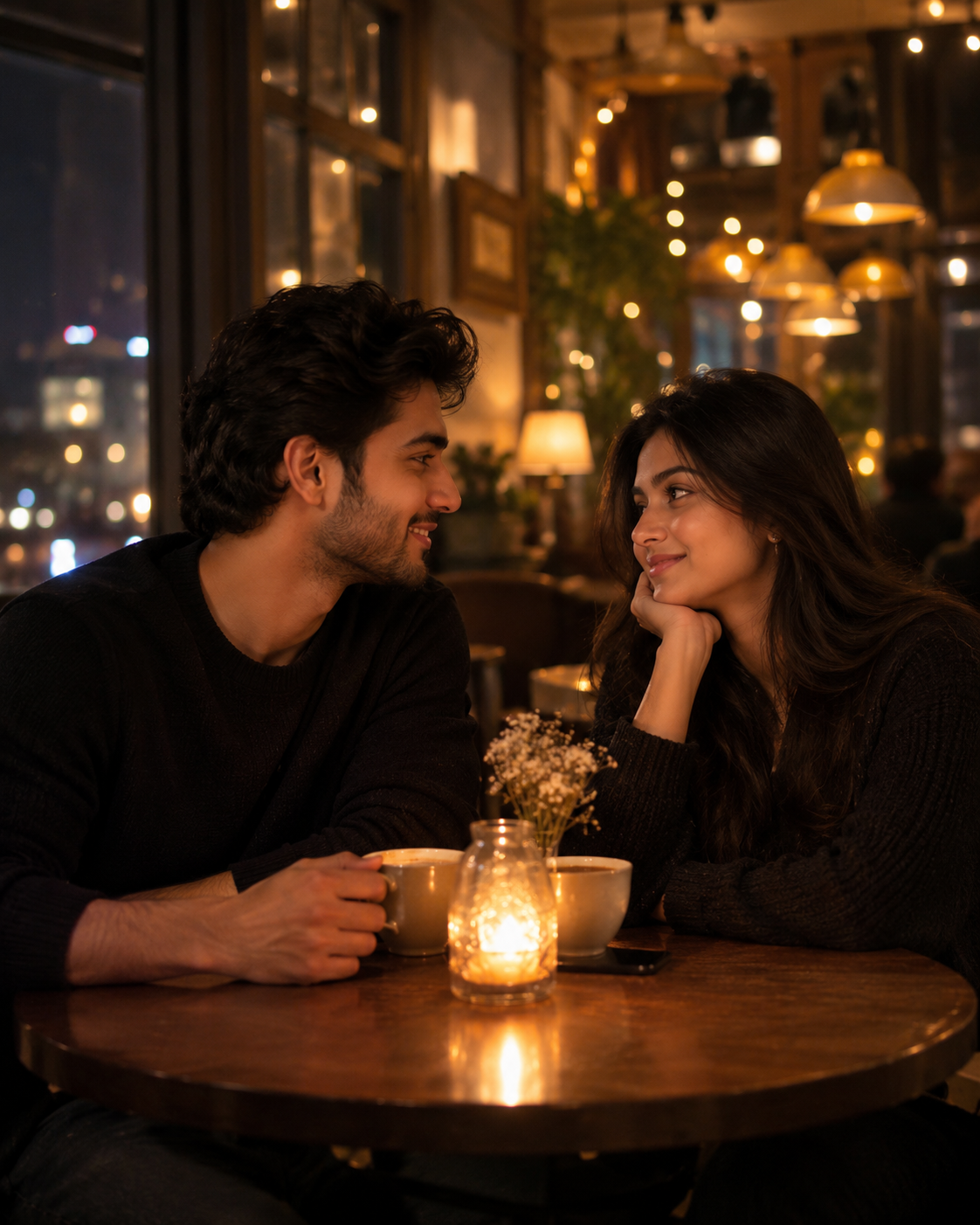
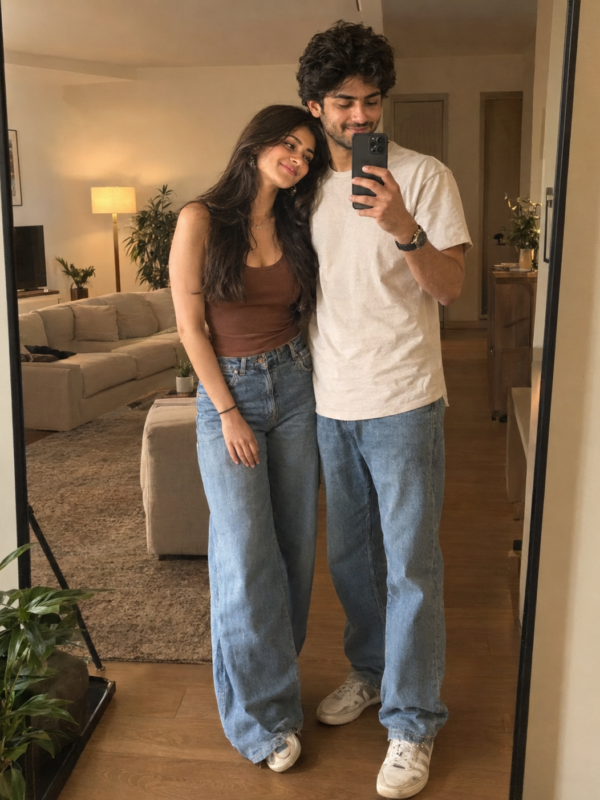 Photo3:4
 Photo3:4
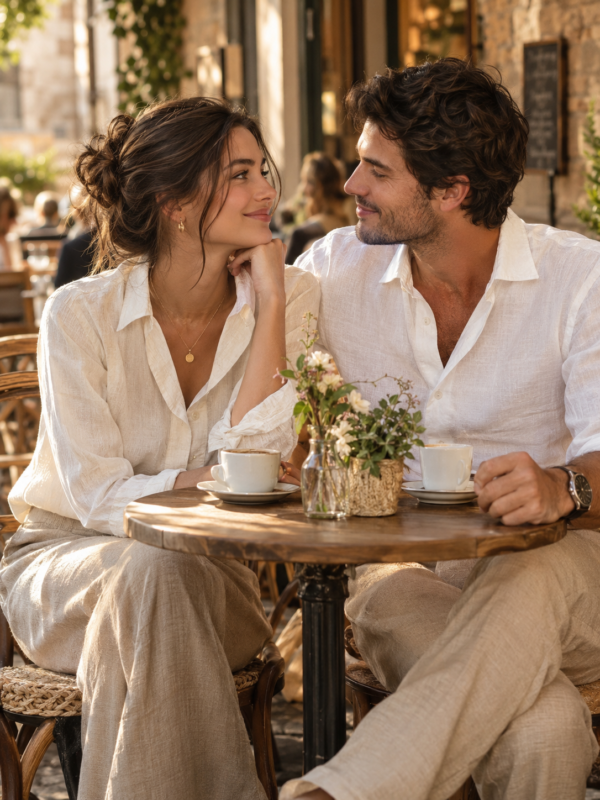 Photo3:4